
Tiny Terminal
(a playground for tiny hackers)
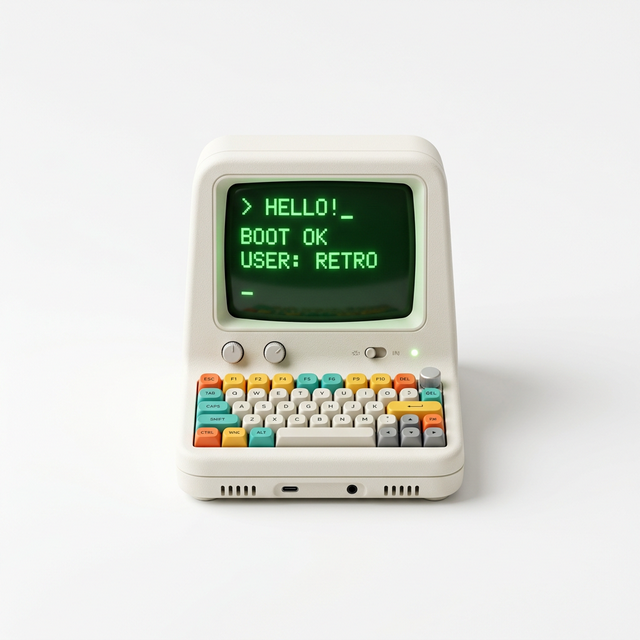
My daughter is obsessed with watching me type. To her, the terminal isn't just a black box of scary text; it's a secret command center where letters make magic happen. I originally found this concept on X (Twitter) by Mei Park, and I knew I had to build a version specifically for my little one.
When kids see us clacking away on our keyboards, they don't just want to watch - they want to be the pilot. I took that original idea and supercharged it into a trilingual, sensory-rich playground where there are no “wrong” keys, only new discoveries.
Adding more to the OG
I ported the original HTML prototype to Next.js and added a long list of features to turn it into a deep, educational tool. My goal was to take the “vibe” of the terminal and make it feel like a modern, responsive application.
- Full React Port: Rebuilt from the ground up to be a stateful, interactive experience.
- Bilingual by design: Added deep support for English and German, complete with translated aliases for every command.
- Enhanced Visibility: High-contrast aesthetics and oversized scaling for ASCII art and emojis.
- Pro Commands: Added actual developer utilities like
whoami,pwd, anddate. - Interactive “Magic”: New discovery commands like
gift,story, andsing. - Emoji Overhaul: Expanded the library to 15+ themed packs, from space to instruments.
How it works
| Type this | See this | Note |
|---|---|---|
| Any word | Large emojis pop up! | Supports English & German names (+ plurals) |
| ls animals | Lists all valid words | Teaches actual terminal command basics |
| theme | Changes neon colors | Cycles pink, purple, blue, and more |
| pet cat | Pure digital cuteness | Interact with the animal friends she finds |
A walled garden
The most important part for me was making this a 100% safe space. There is no AI connection, no internet tracking, and no chance of her accidentally clicking her way into something she shouldn't see. It's a “boxed-in” environment where she can explore the vibe of a terminal without the real-world baggage of the internet.
How to find the magic
The best part of a terminal is discovery. If she gets stuck, I taught her two “power commands” that reveal everything the playground has to offer:
- Type
help: This shows all the major categories like Animals, Space, and Vehicles, plus all the special commands like theme and story. - Type
ls [category]: Just like a real developer, she can list the files in a “folder.” For example,ls spacewill show her every planet and star she can summon.
Things to try
- Type
helpto see the full menu - Type
shark,unicorn, oralien - Type
ls space,ls vehicles, orls tiere - Introduce yourself:
i am [name] - Open a
giftor ask for astory
Keep Reading
Wortzug
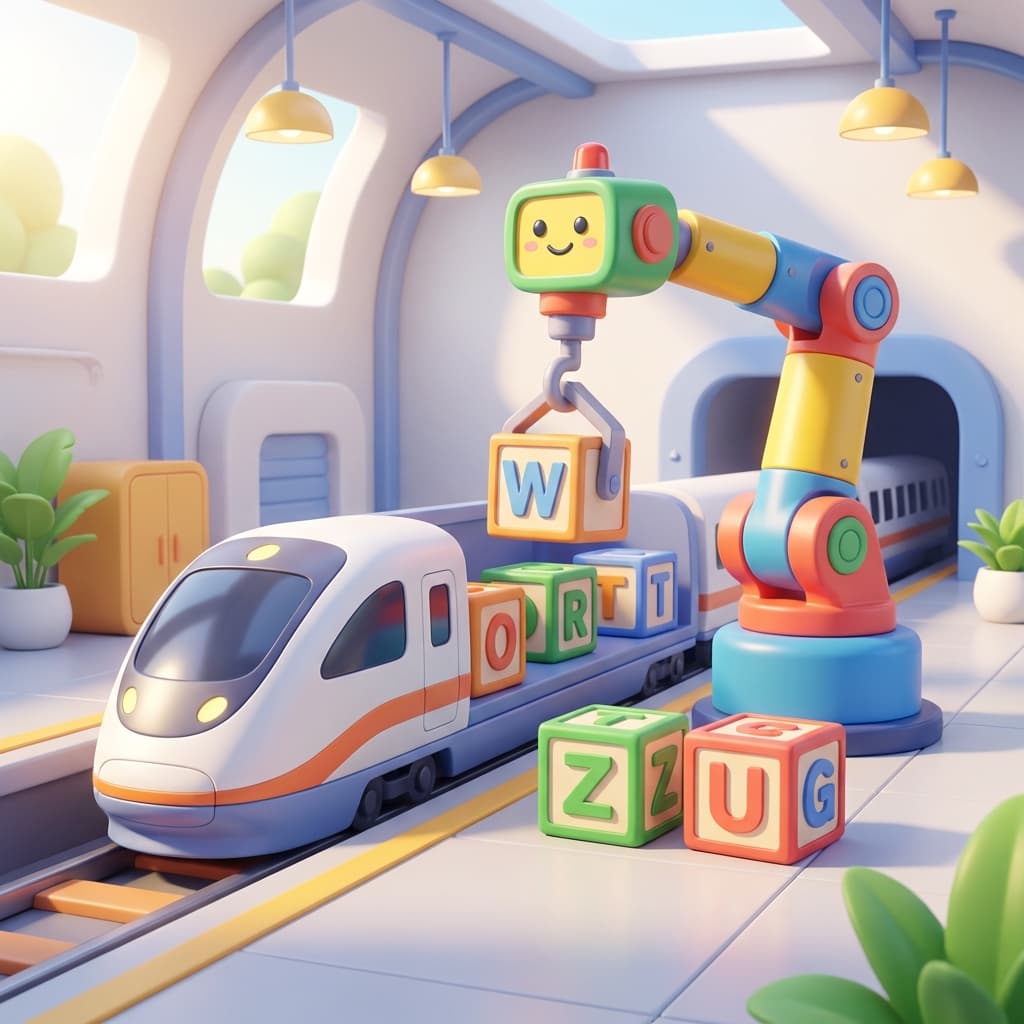
Type to build words using a robotic arm to load up cargo trains in this playful and educational typing adventure.
Mama & Baby Letters Game
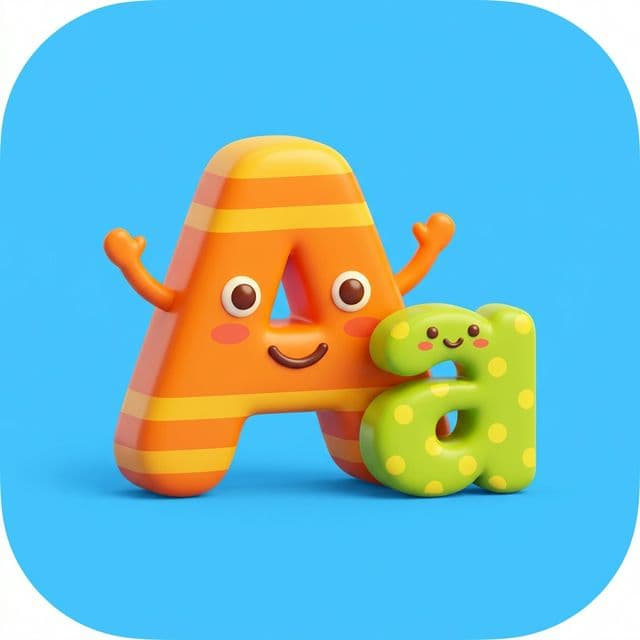
A fun retro-style game designed for helping toddlers transition from uppercase to lowercase letter recognition.
Chronos
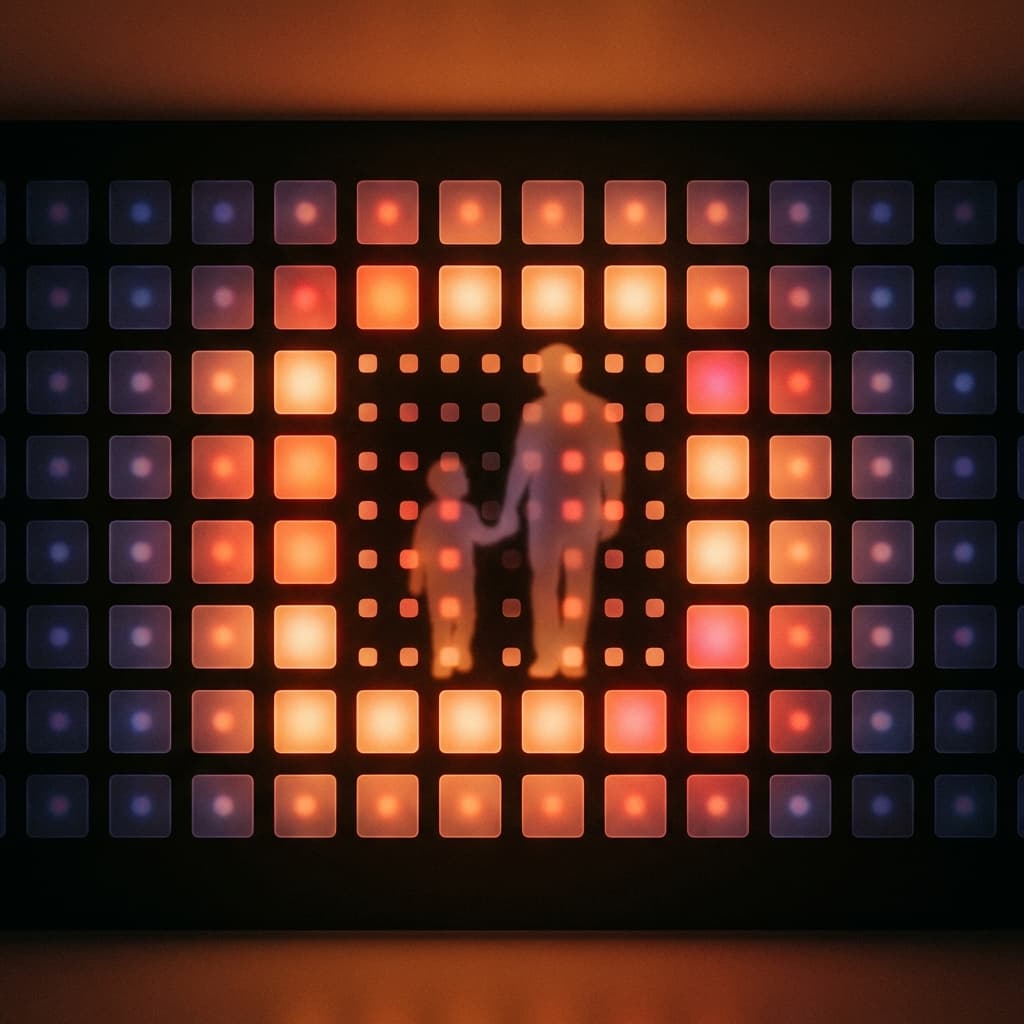
A mindful life-tracking tool to visualize your time in blocks, with dedicated modes for tracking time with your kids and parents.